Commercial refrigeration · Walk-in cooler service · virtual skills lab
A walk-in cooler PM:
read the evaporator.
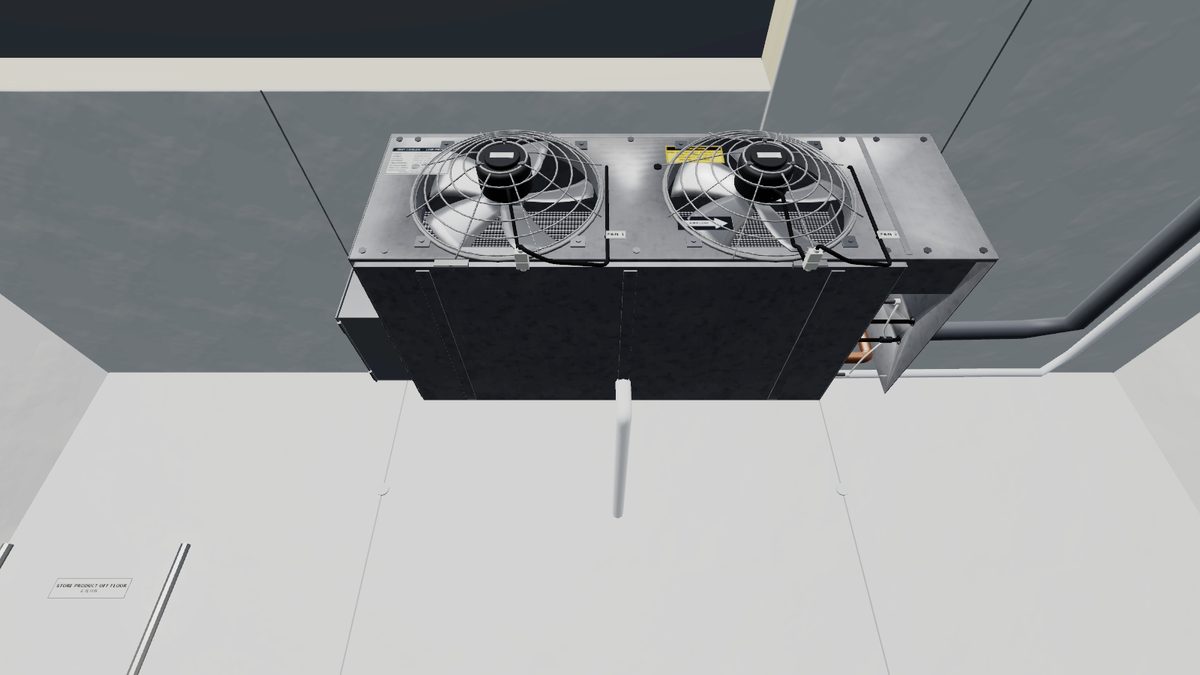
A routine PM visit on a medium-temperature walk-in cooler. Read the box, watch the evaporator work, measure the air split and the air velocity, connect gauges, and work out the superheat and the coil TD. These are the baseline numbers the next call on this box is compared with.
- 22graded steps
- ~20minutes
- 80score to pass
The job
What you do in this lab
- Read the box temperature against the thermostat set point and watch the evaporator work.
- Place return-air and supply-air probes and read the temperature split across the coil.
- Measure the discharge air velocity at the fan.
- Take the side plate off and clamp a temperature probe on the suction line.
- Connect the gauges, crack the service valve and read the suction pressure.
- Use the PT chart to find saturation, then calculate the superheat and the evaporator TD.
Skills practiced
What it builds
- Box and air temperature readings
- Air split and air velocity
- Gauge connection
- PT chart use
- Superheat calculation
- Evaporator TD
Every action is scored as you work. Wrong tools, skipped safety steps and wrong readings cost points, and the questions along the way ask why, not just what.
How to play
Browser or headset
In a browser
Open the lab on a laptop or desktop in Chrome, Edge or Safari. Look around with the mouse and click to act. On a touchscreen tablet the lab switches to touch controls. The lab is a large download, so give it a moment on the first load.
In VR
On a Meta Quest, open the Quest browser and go to titanlearning.com/vr/evaporator-performance-check. Choose Play it in your browser, then Open in VR inside the lab, then Enter VR in the tab that opens. Use the controllers, or put them down and point and pinch with your hands.
For schools
Train on labs like this every week
This lab is one of the virtual skills labs built into Titan Learning programs. Learners practice the work between lessons, and instructors see every attempt and score. A headset is optional.